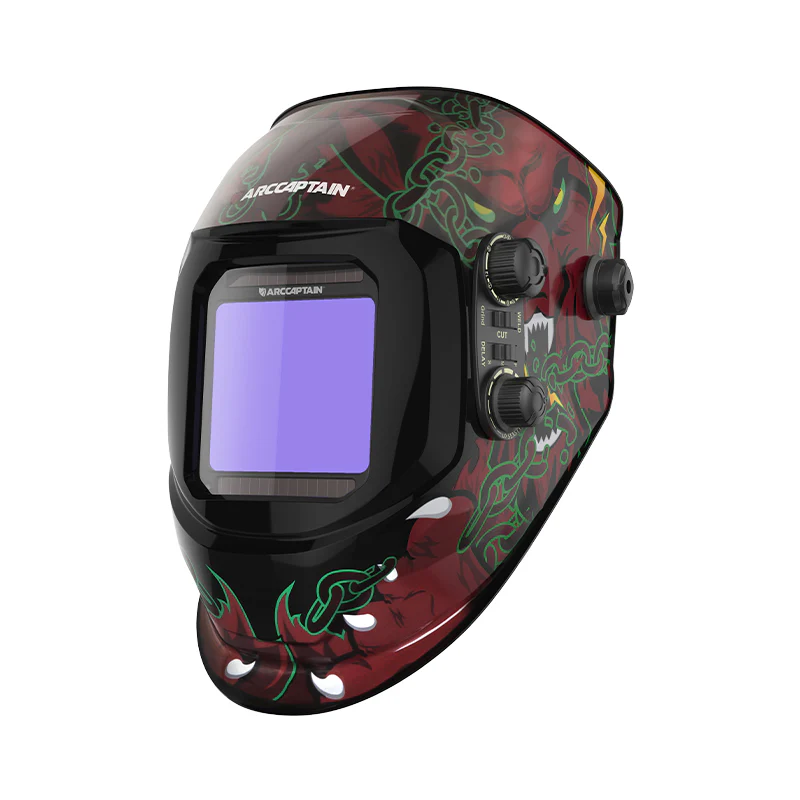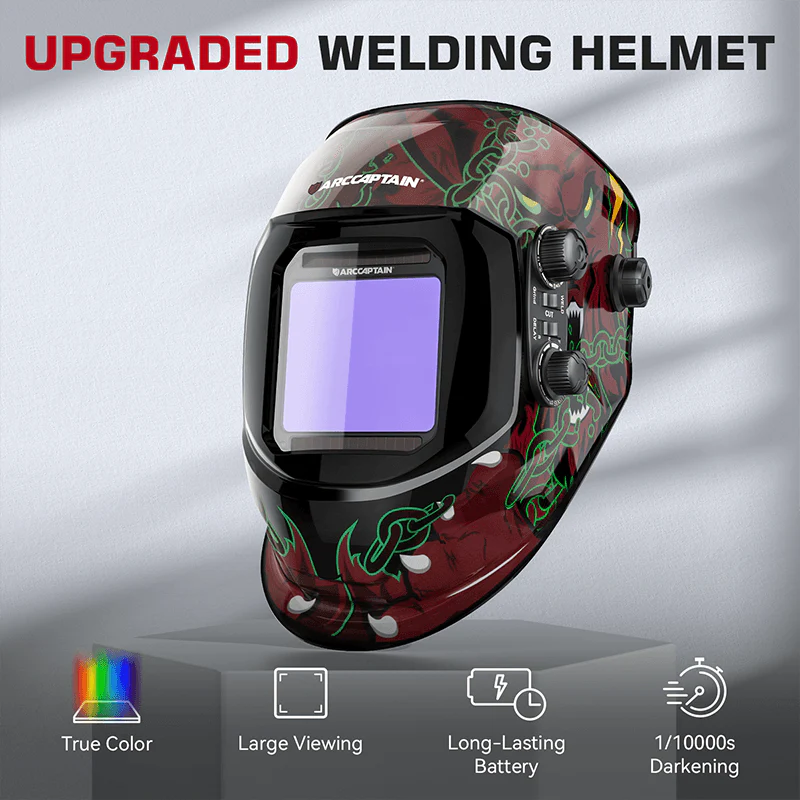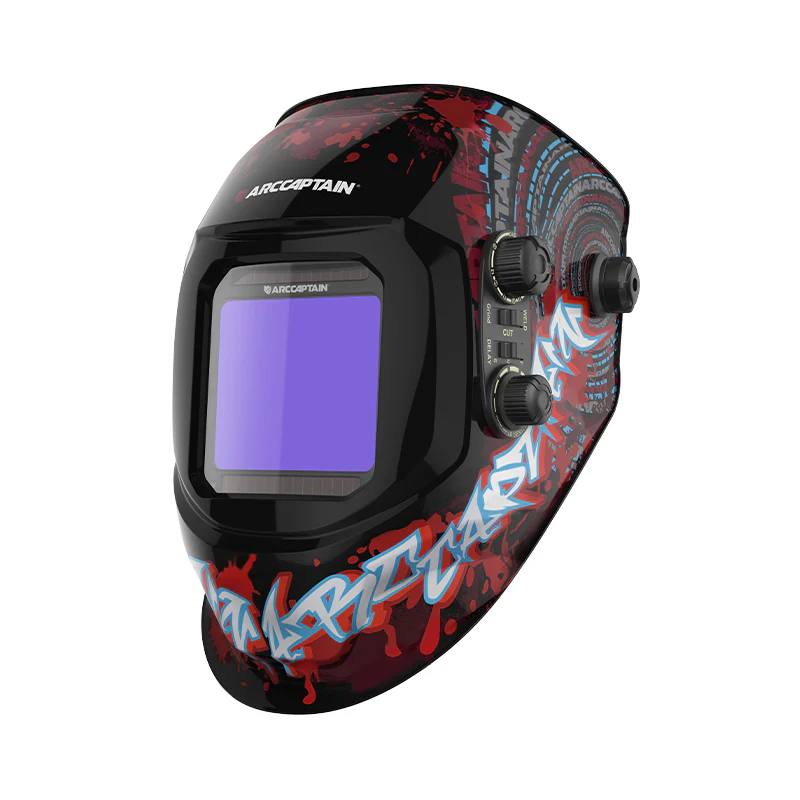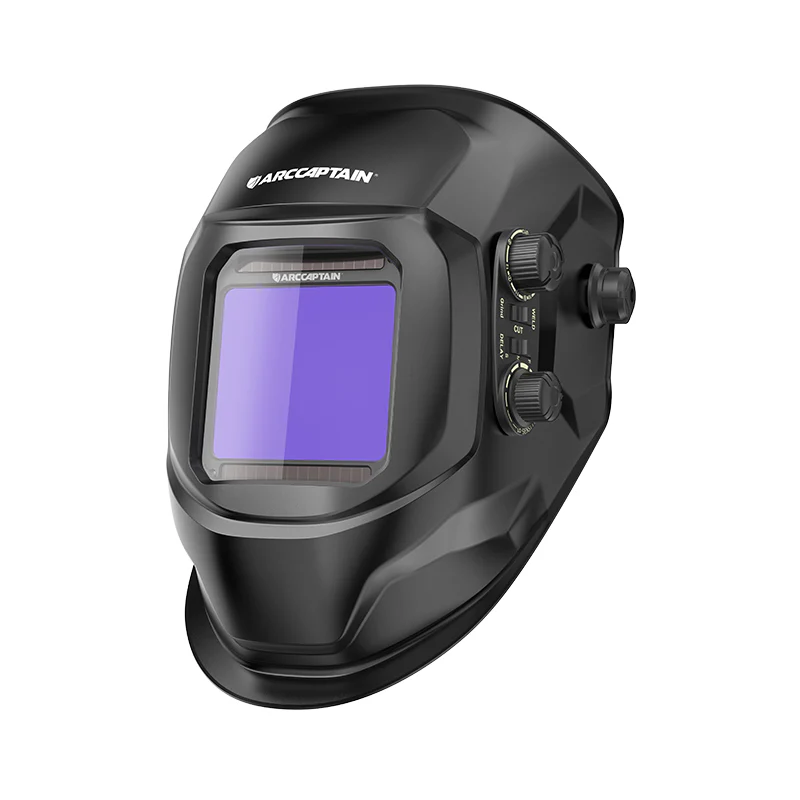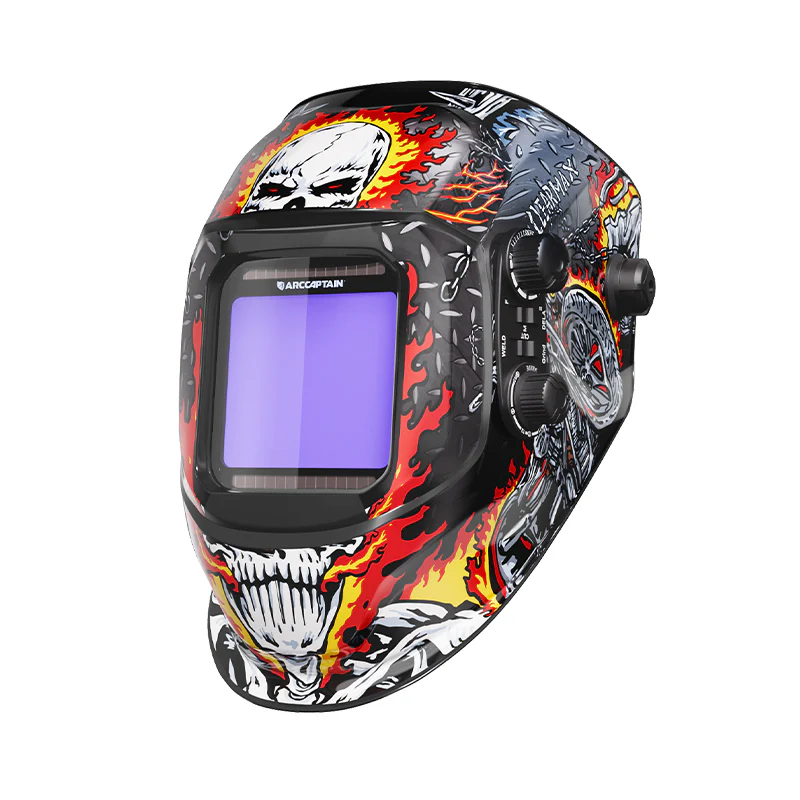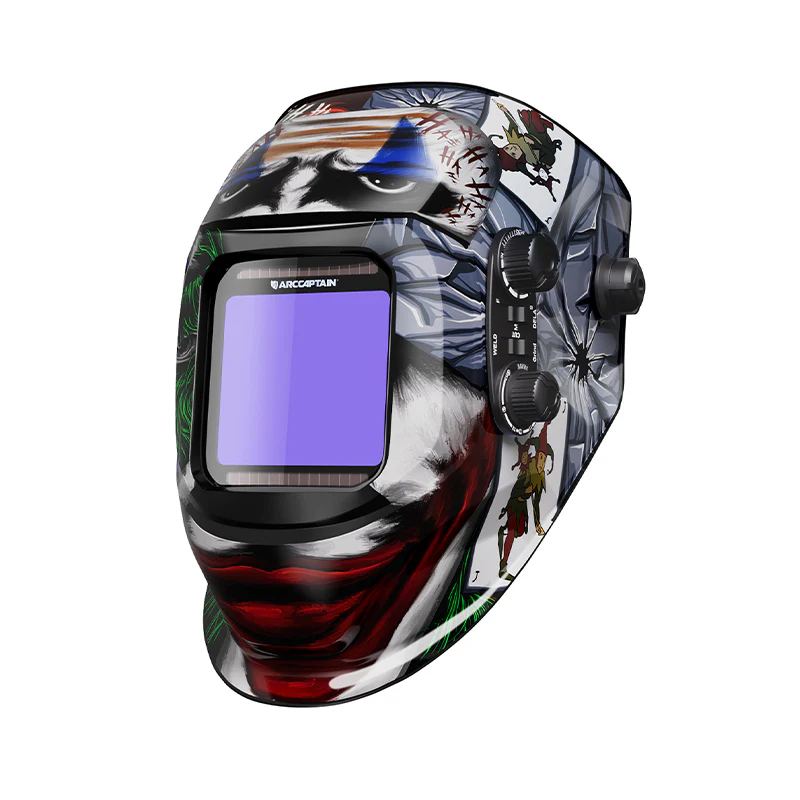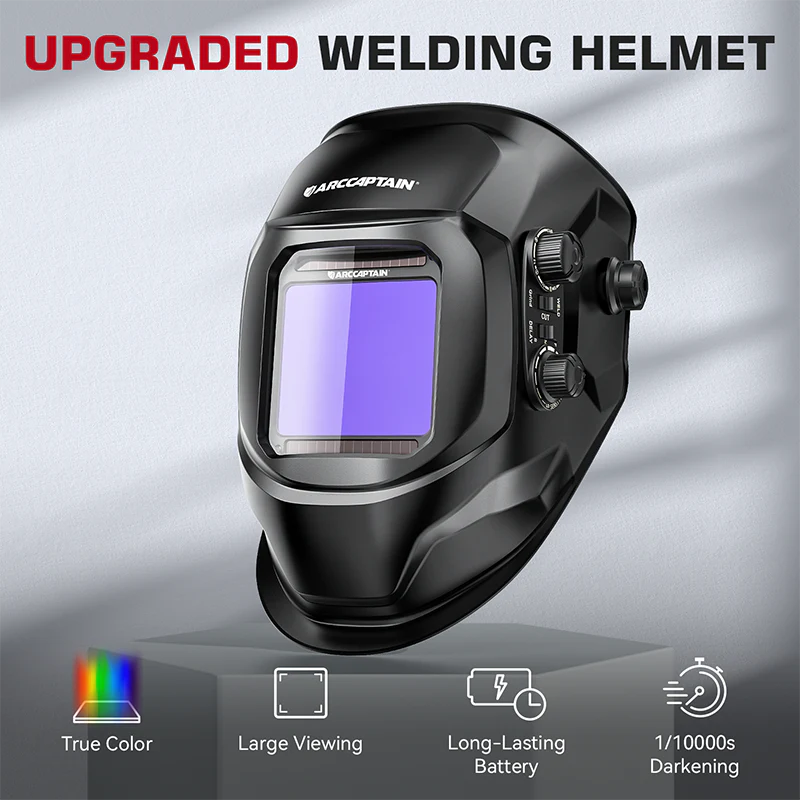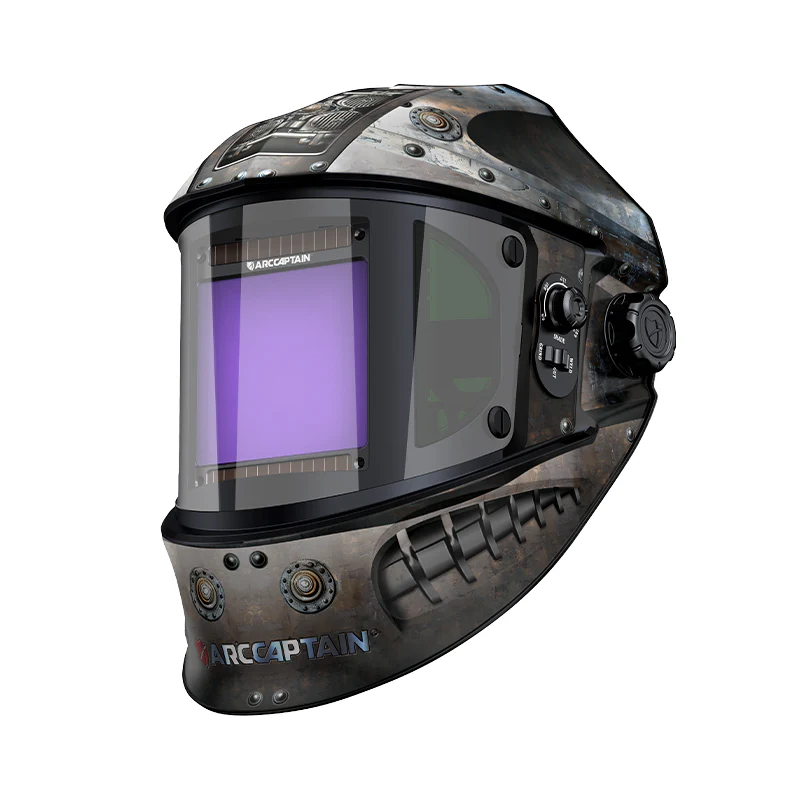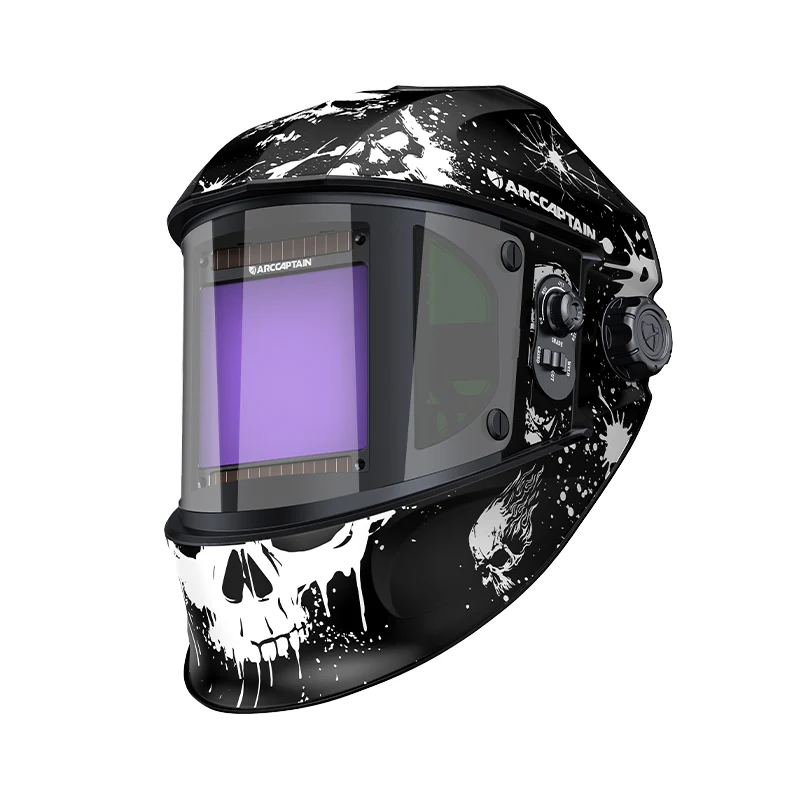
Velocity X200 Easy Control Welding Helmet for Entry-Level Welder
Weld Faster
Start Now
Start Now
Auto-Darkening Welding Helmet — Simple, Direct, Ready
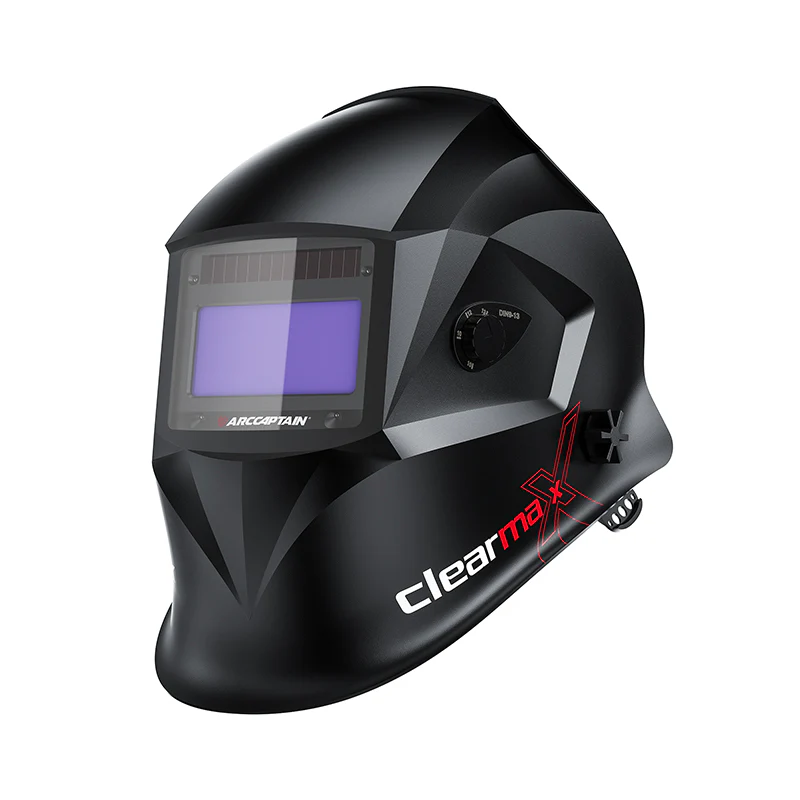
Shade 4–13. 9-channel memory. 4 arc sensors. Built-in work light. The Velocity X200 is built for welders who want professional-grade protection and reliable auto-darkening without a steep learning curve. Set it up in minutes, weld confidently from the first arc.
4–13Shade Range
9Memory Channels
4Arc Sensors
0.04msSwitching Time
Built For
Pick It Up and Weld — No Manual Required
The Velocity X200 is designed for welders who want to spend time welding, not digging through settings menus. Every adjustment is a direct button press. Every parameter is labeled clearly on the face of the helmet. Whether you are new to auto-darkening helmets or just want a reliable workhorse without extra complexity, this is it.
Who This Is For
Hobbyist welders, vocational students, small shop operators, and any welder who runs primarily MIG, stick, or flux-core at standard amperage ranges and wants a dependable auto-darkening helmet at an accessible price point.Getting Started
Three Steps to Weld-Ready
Step 01
Set Your Mode
Short press MODE to cycle: Weld → Cut → Grind → Black Glass. One button, four processes.
Step 02
Set Your Shade
Short press SHADE, use +/− to choose DIN 4–13. Or long press SHADE for automatic shade selection.
Step 03
Adjust and Save
Set sensitivity and delay, then long press MEMORY to save all parameters to one of 9 channels. Recall any time with a short press.
Done
Weld
Your helmet is set. Put it on. The lens darkens automatically at 0.04ms when you strike the arc.
Controls
Straightforward Controls, No Guesswork
MODE
4-Mode Cycling
Short press to cycle through Weld / Cut / Grind / Black Glass (locked). Each process gets its own optimized lens behavior.
SHADE
Shade 4–8 / 9–13 + Auto
Short press to enter adjustment. Use +/− to set your shade. Long press for AUTO mode — the helmet selects shade automatically, and you can add fine-tune offset compensation on top.
SENSI
Sensitivity 0–9
Short press to enter, +/− to adjust across 10 levels. Long press for automatic sensitivity. Set lower for bright environments with multiple arcs nearby; set higher for low-amp TIG work.
DELAY
Delay 1–9 + Auto
Controls how long the lens stays dark after the arc stops. Short press to adjust, long press for automatic delay with offset compensation. Increase delay for stick; decrease for MIG tacking.
FADE
Gradual Clear Transition
Press to activate fade mode — the lens gradually clears after the arc stops, instead of a sudden snap to clear. Reduces eye fatigue on longer sessions.
MEM
9-Channel Memory Storage
Short press to recall a saved parameter set. Use +/− to scroll through 9 channels. Long press to save your current shade, sensitivity, and delay settings to the selected channel. Fast setup for repeat jobs.
KNOB
External Dial + Quick Save
Turn to adjust. Press to select weld mode. Long press to toggle AUTO. The outer button short-press quick-saves your current settings; long press 1 second activates GRIND mode immediately.
What You Get
Professional Protection at Every Arc
01
Shade 4–13 — Covers All Standard Processes
DIN 4–13 covers tacking, MIG, flux-core, stick, and plasma cutting at standard amperage ranges. If you are not running extremely high-amp submerged arc or specialty processes, this range handles everything you will encounter.
02
0.04ms Switching Speed — Faster Than You Can Blink
The lens goes dark in 0.04 milliseconds — well under the safe threshold before arc flash can damage your eyes. This speed is consistent whether you are indoors, outdoors, or in a well-lit shop.
03
4 Independent Arc Sensors — No Missed Detection
Four sensors positioned across the lens detect the arc from multiple angles. Useful when welding in corners, overhead, or in tight spaces where one sensor might be blocked. If there is an arc, the X200 sees it.
04
9-Channel Memory — Save Your Settings
Store up to nine complete parameter sets. Save your MIG settings on channel 1, stick on channel 2, grind mode on channel 3 — whatever sequence makes sense for your workflow. Recall any channel with a short press.
05
Built-In Work Light — See Your Joint Before You Weld
Open the helmet to activate the work light. Short press to adjust brightness. Long press to enable ambient sensing — the light turns on when it is dark and turns off when ambient light is strong. Extinguishes when you strike the arc.
06
Rechargeable Battery — 4+ Hours Per Charge
The 3.7V 1500mAh Li-ion polymer battery charges in 2 hours and runs for over 4 hours at full brightness. Two backup CR2450 batteries are included. No risk of being stuck mid-project with a dead helmet.
07
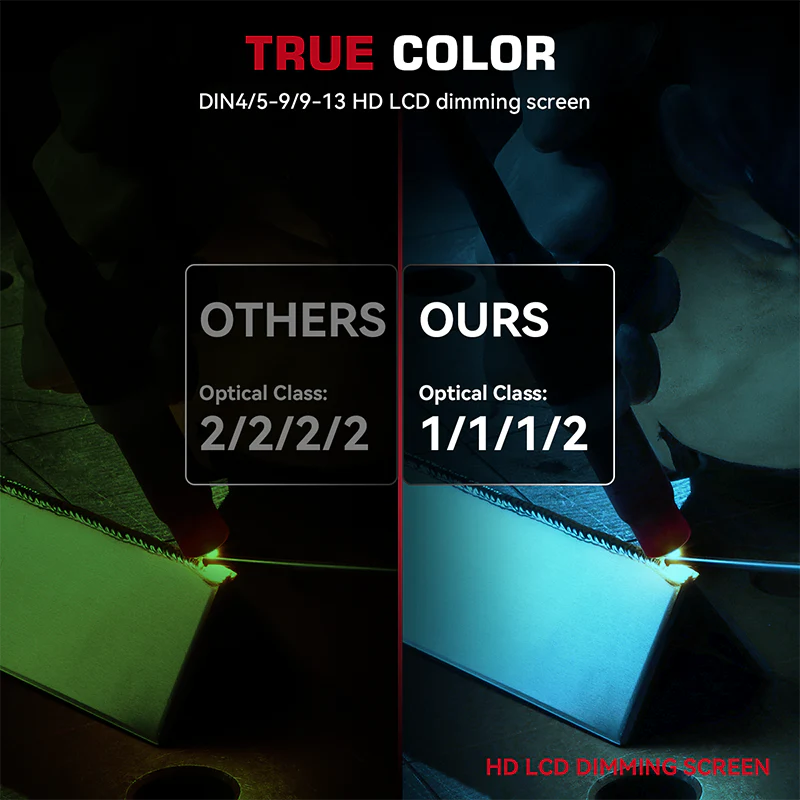
V1 Optical Class — Same Rating as Pro Helmets
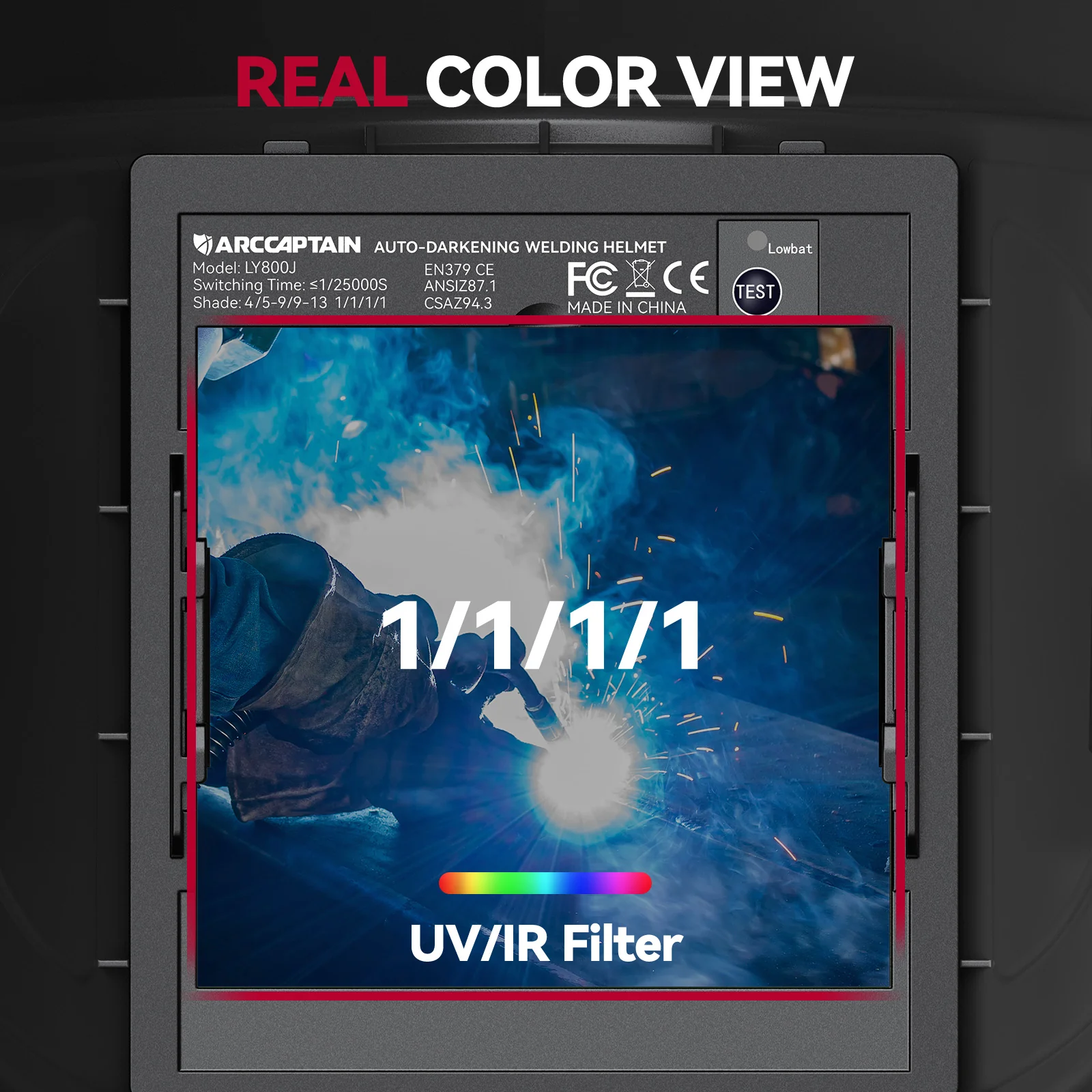
Optical class V1 (1/1/1/1) is the highest rating for auto-darkening lenses. Uniform shade across the entire viewing area, minimal optical distortion, and reliable switching performance. The Velocity X200 does not compromise on lens quality.
Integrated Work Light
Light Up Your Work, Not Your Eyes
The work light activates when you open the helmet — no separate power button to find with welding gloves on.
Open Helmet
Light Activates
Lifting the shell turns the work light on automatically. No extra switch.
Short Press
Adjust Brightness
Cycle through brightness levels with a quick press of the switch.
Long Press
Ambient Sensing On/Off
On: Light turns on automatically when ambient light is low. Off: Light stays on continuously. Both modes extinguish when you strike an arc.
Package Contents
Everything in the Box
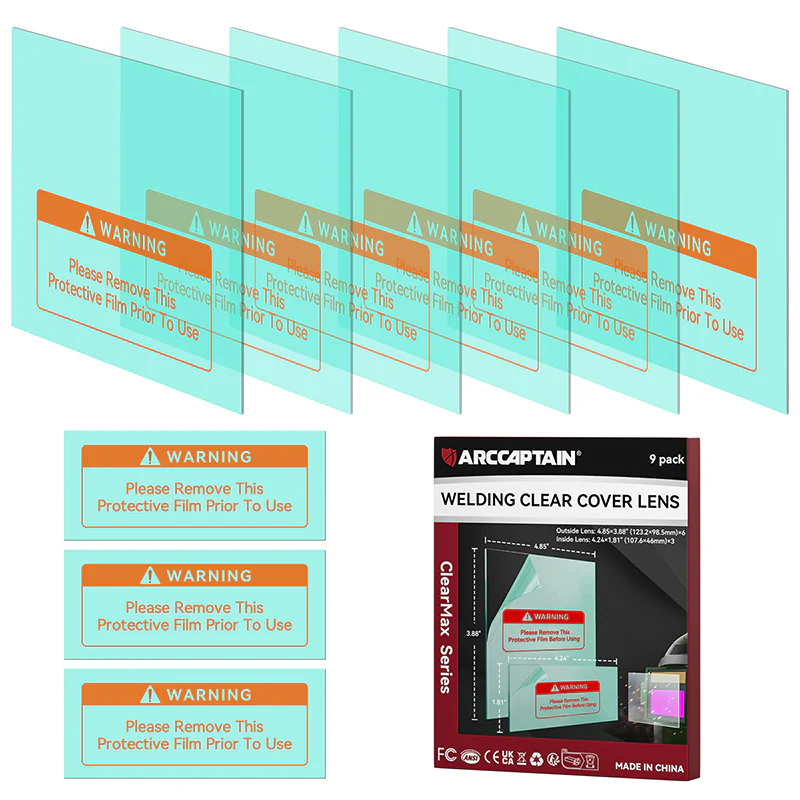
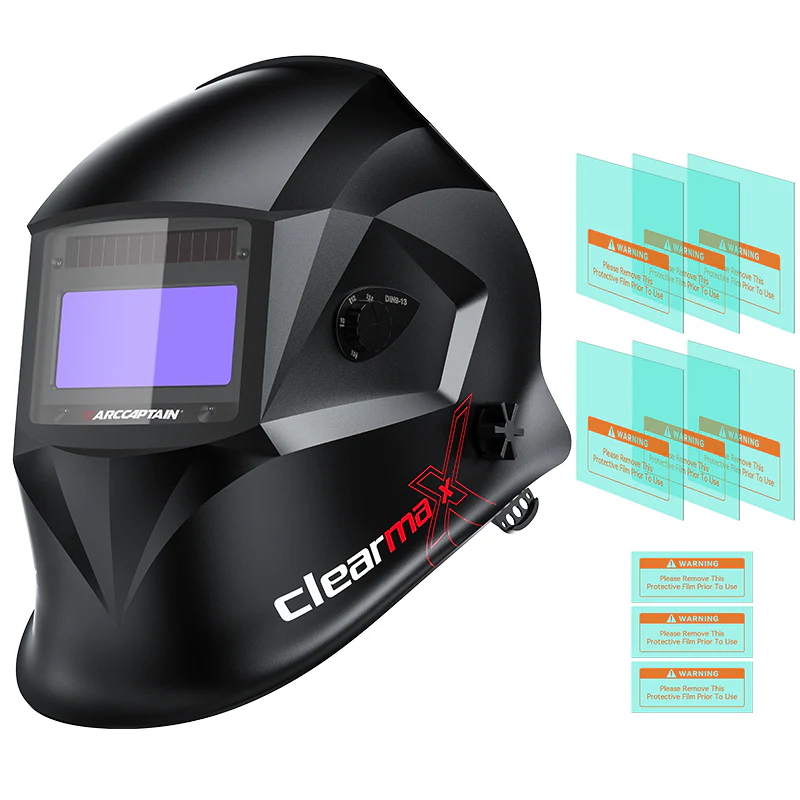
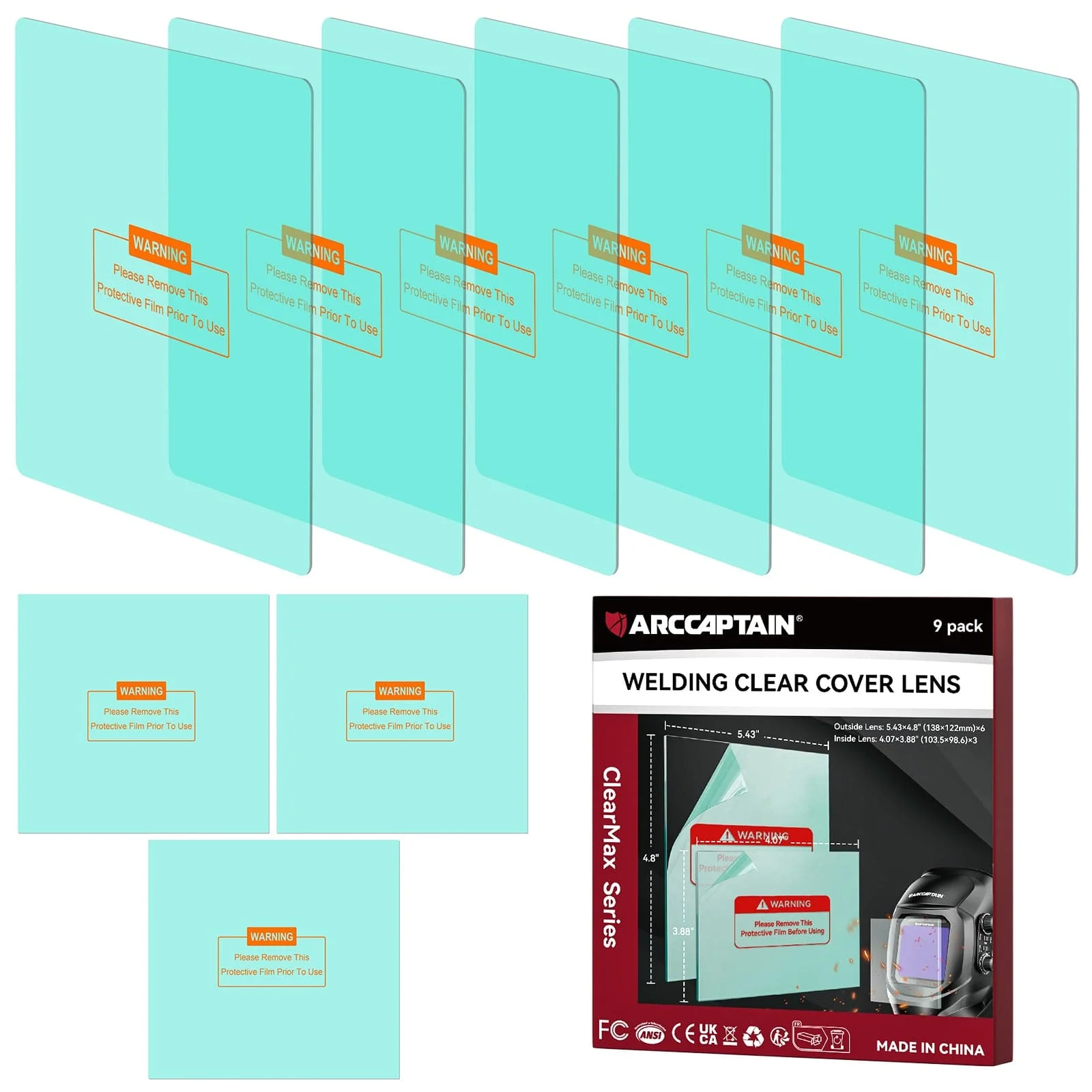
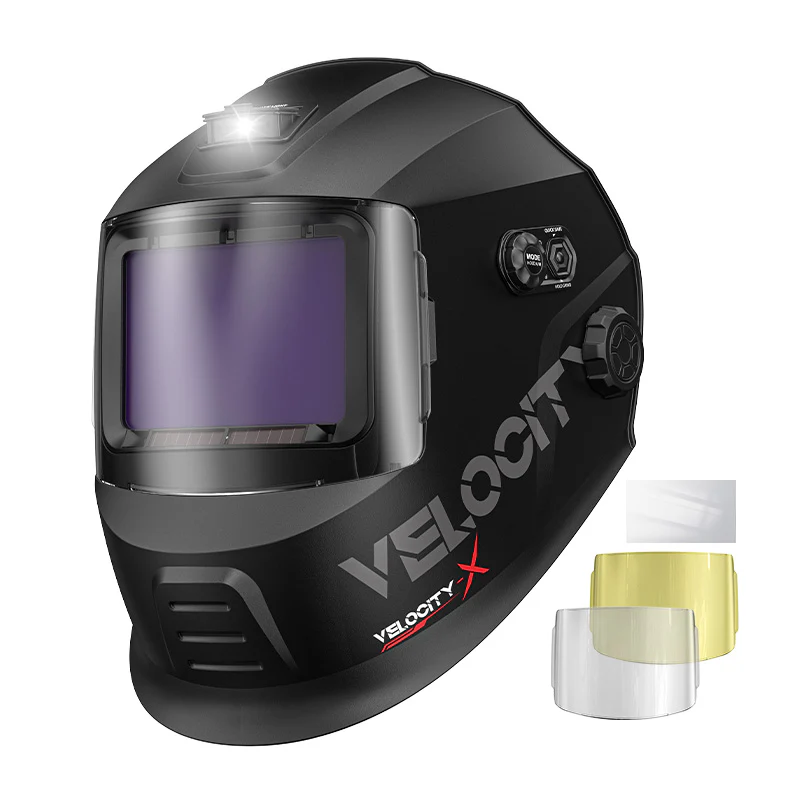
x2Outer cover lens (1 clear HD, 1 blue light filter)
x1Inner cover lens
x2Extra CR2450 backup batteries
x1Carrying bag
x1User manual
Battery Specs
Built-in 3.7V / 1500mAh rechargeable Li-ion polymer battery. Full charge in 2 hours. Runtime: 4+ hours continuous at 100 lm. Backup: 2×CR2450 (included).Technical Specifications
Full Spec Sheet
| Parameter | Velocity X200 |
|---|---|
| View Area | 116 × 81 mm |
| Main Window Shade Range | W3 / 4–8 / 9–13 |
| External Shade Fine Tuning | Manual: 0.5 INC — Auto: 0.1 INC |
| Display Type | Monochrome LCD |
| Optical Class | V1 (1/1/1/1) |
| Independent Arc Sensors | 4 |
| Ambient Light Sensors | 1 |
| Switching Time (+55°C) | 0.04 ms |
| Light State | W3 |
| Delay Time Variable | 0.04–2.0 s |
| Memory Channels | 9 |
| Modes | Weld / Cut / Grind / Black Glass |
| Fade Mode | Yes (gradual clear transition) |
| Replaceable Battery | 2×CR2450 |
| Built-in Battery | 3.7V / 1500mAh Li-ion Polymer |
| Charge Time | 2 hours |
| Runtime | 4+ hours at 100 lm |
| Operating Temperature | −10°C to +55°C (14°F to 131°F) |
How It Compares
Velocity X200 vs Sensecore X200
Both helmets share the same optical class, sensor layout, view area, and accessories. The Velocity X200 focuses on direct, accessible controls. The Sensecore X200 adds extended shade range, an EPD display, and deeper parameter management for professionals running multiple processes.
| Feature | Velocity X200 | Sensecore X200 |
|---|---|---|
| Max Shade | DIN 13 | DIN 15 |
| Display | Monochrome LCD | EPD + Backlight |
| Fade Mode | Yes | Yes + TEST function |
| Memory Channels | 9 | 9 |
| Control Complexity | Simple, direct | Advanced, full control |
| View Area | 116 × 81 mm | 116 × 81 mm |
| Arc Sensors | 4 | 4 |
| Optical Class | V1 (1/1/1/1) | V1 (1/1/1/1) |
| Switching Time | 0.04 ms | 0.04 ms |
| Delay Range | 0.04–2.0 s | 0.04–2.0 s |
| Work Light + Ambient Sensing | Yes | Yes |
| Included Accessories | Same | Same |
Optical & Safety Standards
Certified Optical Class V1 — The Highest Rating
Optical class V1 (1/1/1/1) is the highest possible rating for auto-darkening welding helmets — and the Velocity X200 carries it. Same lens quality as helmets at twice the price.
Velocity X200 — Entry Series
Simple Setup.
Serious Protection.
Serious Protection.
Shade 4–13. 9-channel memory. V1 optical class. Built-in work light. Everything you need to weld safely and confidently — nothing you do not need.
Shade 4–13 9 Memory Channels V1 Optical Class 0.04ms Switch Speed 4 Arc Sensors Work Light Included
X200 Entry Series
Weld Faster
Start Now
Start Now
Auto-Darkening Welding Helmet — Simple, Direct, Ready
Shade 4–13. 9-channel memory. 4 arc sensors. Built-in work light. The Velocity X200 is built for welders who want professional-grade protection and reliable auto-darkening without a steep learning curve. Set it up in minutes, weld confidently from the first arc.
4–13Shade Range
9Memory Channels
4Arc Sensors
0.04msSwitching Time
Built For
Pick It Up and Weld — No Manual Required
The Velocity X200 is designed for welders who want to spend time welding, not digging through settings menus. Every adjustment is a direct button press. Every parameter is labeled clearly on the face of the helmet. Whether you are new to auto-darkening helmets or just want a reliable workhorse without extra complexity, this is it.
Who This Is For
Hobbyist welders, vocational students, small shop operators, and any welder who runs primarily MIG, stick, or flux-core at standard amperage ranges and wants a dependable auto-darkening helmet at an accessible price point.Getting Started
Three Steps to Weld-Ready
Step 01
Set Your Mode
Short press MODE to cycle: Weld → Cut → Grind → Black Glass. One button, four processes.
Step 02
Set Your Shade
Short press SHADE, use +/− to choose DIN 4–13. Or long press SHADE for automatic shade selection.
Step 03
Adjust and Save
Set sensitivity and delay, then long press MEMORY to save all parameters to one of 9 channels. Recall any time with a short press.
Done
Weld
Your helmet is set. Put it on. The lens darkens automatically at 0.04ms when you strike the arc.
Controls
Straightforward Controls, No Guesswork
MODE
4-Mode Cycling
Short press to cycle through Weld / Cut / Grind / Black Glass (locked). Each process gets its own optimized lens behavior.
SHADE
Shade 4–8 / 9–13 + Auto
Short press to enter adjustment. Use +/− to set your shade. Long press for AUTO mode — the helmet selects shade automatically, and you can add fine-tune offset compensation on top.
SENSI
Sensitivity 0–9
Short press to enter, +/− to adjust across 10 levels. Long press for automatic sensitivity. Set lower for bright environments with multiple arcs nearby; set higher for low-amp TIG work.
DELAY
Delay 1–9 + Auto
Controls how long the lens stays dark after the arc stops. Short press to adjust, long press for automatic delay with offset compensation. Increase delay for stick; decrease for MIG tacking.
FADE
Gradual Clear Transition
Press to activate fade mode — the lens gradually clears after the arc stops, instead of a sudden snap to clear. Reduces eye fatigue on longer sessions.
MEM
9-Channel Memory Storage
Short press to recall a saved parameter set. Use +/− to scroll through 9 channels. Long press to save your current shade, sensitivity, and delay settings to the selected channel. Fast setup for repeat jobs.
KNOB
External Dial + Quick Save
Turn to adjust. Press to select weld mode. Long press to toggle AUTO. The outer button short-press quick-saves your current settings; long press 1 second activates GRIND mode immediately.
What You Get
Professional Protection at Every Arc
01
Shade 4–13 — Covers All Standard Processes
DIN 4–13 covers tacking, MIG, flux-core, stick, and plasma cutting at standard amperage ranges. If you are not running extremely high-amp submerged arc or specialty processes, this range handles everything you will encounter.
02
0.04ms Switching Speed — Faster Than You Can Blink
The lens goes dark in 0.04 milliseconds — well under the safe threshold before arc flash can damage your eyes. This speed is consistent whether you are indoors, outdoors, or in a well-lit shop.
03
4 Independent Arc Sensors — No Missed Detection
Four sensors positioned across the lens detect the arc from multiple angles. Useful when welding in corners, overhead, or in tight spaces where one sensor might be blocked. If there is an arc, the X200 sees it.
04
9-Channel Memory — Save Your Settings
Store up to nine complete parameter sets. Save your MIG settings on channel 1, stick on channel 2, grind mode on channel 3 — whatever sequence makes sense for your workflow. Recall any channel with a short press.
05
Built-In Work Light — See Your Joint Before You Weld
Open the helmet to activate the work light. Short press to adjust brightness. Long press to enable ambient sensing — the light turns on when it is dark and turns off when ambient light is strong. Extinguishes when you strike the arc.
06
Rechargeable Battery — 4+ Hours Per Charge
The 3.7V 1500mAh Li-ion polymer battery charges in 2 hours and runs for over 4 hours at full brightness. Two backup CR2450 batteries are included. No risk of being stuck mid-project with a dead helmet.
07
V1 Optical Class — Same Rating as Pro Helmets
Optical class V1 (1/1/1/1) is the highest rating for auto-darkening lenses. Uniform shade across the entire viewing area, minimal optical distortion, and reliable switching performance. The Velocity X200 does not compromise on lens quality.
Integrated Work Light
Light Up Your Work, Not Your Eyes
The work light activates when you open the helmet — no separate power button to find with welding gloves on.
Open Helmet
Light Activates
Lifting the shell turns the work light on automatically. No extra switch.
Short Press
Adjust Brightness
Cycle through brightness levels with a quick press of the switch.
Long Press
Ambient Sensing On/Off
On: Light turns on automatically when ambient light is low. Off: Light stays on continuously. Both modes extinguish when you strike an arc.
Package Contents
Everything in the Box
x2Outer cover lens (1 clear HD, 1 blue light filter)
x1Inner cover lens
x2Extra CR2450 backup batteries
x1Carrying bag
x1User manual
Battery Specs
Built-in 3.7V / 1500mAh rechargeable Li-ion polymer battery. Full charge in 2 hours. Runtime: 4+ hours continuous at 100 lm. Backup: 2×CR2450 (included).Technical Specifications
Full Spec Sheet
| Parameter | Velocity X200 |
|---|---|
| View Area | 116 × 81 mm |
| Main Window Shade Range | W3 / 4–8 / 9–13 |
| External Shade Fine Tuning | Manual: 0.5 INC — Auto: 0.1 INC |
| Display Type | Monochrome LCD |
| Optical Class | V1 (1/1/1/1) |
| Independent Arc Sensors | 4 |
| Ambient Light Sensors | 1 |
| Switching Time (+55°C) | 0.04 ms |
| Light State | W3 |
| Delay Time Variable | 0.04–2.0 s |
| Memory Channels | 9 |
| Modes | Weld / Cut / Grind / Black Glass |
| Fade Mode | Yes (gradual clear transition) |
| Replaceable Battery | 2×CR2450 |
| Built-in Battery | 3.7V / 1500mAh Li-ion Polymer |
| Charge Time | 2 hours |
| Runtime | 4+ hours at 100 lm |
| Operating Temperature | −10°C to +55°C (14°F to 131°F) |
How It Compares
Velocity X200 vs Sensecore X200
Both helmets share the same optical class, sensor layout, view area, and accessories. The Velocity X200 focuses on direct, accessible controls. The Sensecore X200 adds extended shade range, an EPD display, and deeper parameter management for professionals running multiple processes.
| Feature | Velocity X200 | Sensecore X200 |
|---|---|---|
| Max Shade | DIN 13 | DIN 15 |
| Display | Monochrome LCD | EPD + Backlight |
| Fade Mode | Yes | Yes + TEST function |
| Memory Channels | 9 | 9 |
| Control Complexity | Simple, direct | Advanced, full control |
| View Area | 116 × 81 mm | 116 × 81 mm |
| Arc Sensors | 4 | 4 |
| Optical Class | V1 (1/1/1/1) | V1 (1/1/1/1) |
| Switching Time | 0.04 ms | 0.04 ms |
| Delay Range | 0.04–2.0 s | 0.04–2.0 s |
| Work Light + Ambient Sensing | Yes | Yes |
| Included Accessories | Same | Same |
Optical & Safety Standards
Certified Optical Class V1 — The Highest Rating
Optical class V1 (1/1/1/1) is the highest possible rating for auto-darkening welding helmets — and the Velocity X200 carries it. Same lens quality as helmets at twice the price.
Velocity X200 — Entry Series
Simple Setup.
Serious Protection.
Serious Protection.
Shade 4–13. 9-channel memory. V1 optical class. Built-in work light. Everything you need to weld safely and confidently — nothing you do not need.
Shade 4–13 9 Memory Channels V1 Optical Class 0.04ms Switch Speed 4 Arc Sensors Work Light Included
X200 Entry Series
$45.50
Original: $129.99
-65%Velocity X200 Easy Control Welding Helmet for Entry-Level Welder—
$129.99
$45.50Description
Weld Faster
Start Now
Start Now
Auto-Darkening Welding Helmet — Simple, Direct, Ready
Shade 4–13. 9-channel memory. 4 arc sensors. Built-in work light. The Velocity X200 is built for welders who want professional-grade protection and reliable auto-darkening without a steep learning curve. Set it up in minutes, weld confidently from the first arc.
4–13Shade Range
9Memory Channels
4Arc Sensors
0.04msSwitching Time
Built For
Pick It Up and Weld — No Manual Required
The Velocity X200 is designed for welders who want to spend time welding, not digging through settings menus. Every adjustment is a direct button press. Every parameter is labeled clearly on the face of the helmet. Whether you are new to auto-darkening helmets or just want a reliable workhorse without extra complexity, this is it.
Who This Is For
Hobbyist welders, vocational students, small shop operators, and any welder who runs primarily MIG, stick, or flux-core at standard amperage ranges and wants a dependable auto-darkening helmet at an accessible price point.Getting Started
Three Steps to Weld-Ready
Step 01
Set Your Mode
Short press MODE to cycle: Weld → Cut → Grind → Black Glass. One button, four processes.
Step 02
Set Your Shade
Short press SHADE, use +/− to choose DIN 4–13. Or long press SHADE for automatic shade selection.
Step 03
Adjust and Save
Set sensitivity and delay, then long press MEMORY to save all parameters to one of 9 channels. Recall any time with a short press.
Done
Weld
Your helmet is set. Put it on. The lens darkens automatically at 0.04ms when you strike the arc.
Controls
Straightforward Controls, No Guesswork
MODE
4-Mode Cycling
Short press to cycle through Weld / Cut / Grind / Black Glass (locked). Each process gets its own optimized lens behavior.
SHADE
Shade 4–8 / 9–13 + Auto
Short press to enter adjustment. Use +/− to set your shade. Long press for AUTO mode — the helmet selects shade automatically, and you can add fine-tune offset compensation on top.
SENSI
Sensitivity 0–9
Short press to enter, +/− to adjust across 10 levels. Long press for automatic sensitivity. Set lower for bright environments with multiple arcs nearby; set higher for low-amp TIG work.
DELAY
Delay 1–9 + Auto
Controls how long the lens stays dark after the arc stops. Short press to adjust, long press for automatic delay with offset compensation. Increase delay for stick; decrease for MIG tacking.
FADE
Gradual Clear Transition
Press to activate fade mode — the lens gradually clears after the arc stops, instead of a sudden snap to clear. Reduces eye fatigue on longer sessions.
MEM
9-Channel Memory Storage
Short press to recall a saved parameter set. Use +/− to scroll through 9 channels. Long press to save your current shade, sensitivity, and delay settings to the selected channel. Fast setup for repeat jobs.
KNOB
External Dial + Quick Save
Turn to adjust. Press to select weld mode. Long press to toggle AUTO. The outer button short-press quick-saves your current settings; long press 1 second activates GRIND mode immediately.
What You Get
Professional Protection at Every Arc
01
Shade 4–13 — Covers All Standard Processes
DIN 4–13 covers tacking, MIG, flux-core, stick, and plasma cutting at standard amperage ranges. If you are not running extremely high-amp submerged arc or specialty processes, this range handles everything you will encounter.
02
0.04ms Switching Speed — Faster Than You Can Blink
The lens goes dark in 0.04 milliseconds — well under the safe threshold before arc flash can damage your eyes. This speed is consistent whether you are indoors, outdoors, or in a well-lit shop.
03
4 Independent Arc Sensors — No Missed Detection
Four sensors positioned across the lens detect the arc from multiple angles. Useful when welding in corners, overhead, or in tight spaces where one sensor might be blocked. If there is an arc, the X200 sees it.
04
9-Channel Memory — Save Your Settings
Store up to nine complete parameter sets. Save your MIG settings on channel 1, stick on channel 2, grind mode on channel 3 — whatever sequence makes sense for your workflow. Recall any channel with a short press.
05
Built-In Work Light — See Your Joint Before You Weld
Open the helmet to activate the work light. Short press to adjust brightness. Long press to enable ambient sensing — the light turns on when it is dark and turns off when ambient light is strong. Extinguishes when you strike the arc.
06
Rechargeable Battery — 4+ Hours Per Charge
The 3.7V 1500mAh Li-ion polymer battery charges in 2 hours and runs for over 4 hours at full brightness. Two backup CR2450 batteries are included. No risk of being stuck mid-project with a dead helmet.
07
V1 Optical Class — Same Rating as Pro Helmets
Optical class V1 (1/1/1/1) is the highest rating for auto-darkening lenses. Uniform shade across the entire viewing area, minimal optical distortion, and reliable switching performance. The Velocity X200 does not compromise on lens quality.
Integrated Work Light
Light Up Your Work, Not Your Eyes
The work light activates when you open the helmet — no separate power button to find with welding gloves on.
Open Helmet
Light Activates
Lifting the shell turns the work light on automatically. No extra switch.
Short Press
Adjust Brightness
Cycle through brightness levels with a quick press of the switch.
Long Press
Ambient Sensing On/Off
On: Light turns on automatically when ambient light is low. Off: Light stays on continuously. Both modes extinguish when you strike an arc.
Package Contents
Everything in the Box
x2Outer cover lens (1 clear HD, 1 blue light filter)
x1Inner cover lens
x2Extra CR2450 backup batteries
x1Carrying bag
x1User manual
Battery Specs
Built-in 3.7V / 1500mAh rechargeable Li-ion polymer battery. Full charge in 2 hours. Runtime: 4+ hours continuous at 100 lm. Backup: 2×CR2450 (included).Technical Specifications
Full Spec Sheet
| Parameter | Velocity X200 |
|---|---|
| View Area | 116 × 81 mm |
| Main Window Shade Range | W3 / 4–8 / 9–13 |
| External Shade Fine Tuning | Manual: 0.5 INC — Auto: 0.1 INC |
| Display Type | Monochrome LCD |
| Optical Class | V1 (1/1/1/1) |
| Independent Arc Sensors | 4 |
| Ambient Light Sensors | 1 |
| Switching Time (+55°C) | 0.04 ms |
| Light State | W3 |
| Delay Time Variable | 0.04–2.0 s |
| Memory Channels | 9 |
| Modes | Weld / Cut / Grind / Black Glass |
| Fade Mode | Yes (gradual clear transition) |
| Replaceable Battery | 2×CR2450 |
| Built-in Battery | 3.7V / 1500mAh Li-ion Polymer |
| Charge Time | 2 hours |
| Runtime | 4+ hours at 100 lm |
| Operating Temperature | −10°C to +55°C (14°F to 131°F) |
How It Compares
Velocity X200 vs Sensecore X200
Both helmets share the same optical class, sensor layout, view area, and accessories. The Velocity X200 focuses on direct, accessible controls. The Sensecore X200 adds extended shade range, an EPD display, and deeper parameter management for professionals running multiple processes.
| Feature | Velocity X200 | Sensecore X200 |
|---|---|---|
| Max Shade | DIN 13 | DIN 15 |
| Display | Monochrome LCD | EPD + Backlight |
| Fade Mode | Yes | Yes + TEST function |
| Memory Channels | 9 | 9 |
| Control Complexity | Simple, direct | Advanced, full control |
| View Area | 116 × 81 mm | 116 × 81 mm |
| Arc Sensors | 4 | 4 |
| Optical Class | V1 (1/1/1/1) | V1 (1/1/1/1) |
| Switching Time | 0.04 ms | 0.04 ms |
| Delay Range | 0.04–2.0 s | 0.04–2.0 s |
| Work Light + Ambient Sensing | Yes | Yes |
| Included Accessories | Same | Same |
Optical & Safety Standards
Certified Optical Class V1 — The Highest Rating
Optical class V1 (1/1/1/1) is the highest possible rating for auto-darkening welding helmets — and the Velocity X200 carries it. Same lens quality as helmets at twice the price.
Velocity X200 — Entry Series
Simple Setup.
Serious Protection.
Serious Protection.
Shade 4–13. 9-channel memory. V1 optical class. Built-in work light. Everything you need to weld safely and confidently — nothing you do not need.
Shade 4–13 9 Memory Channels V1 Optical Class 0.04ms Switch Speed 4 Arc Sensors Work Light Included
X200 Entry Series